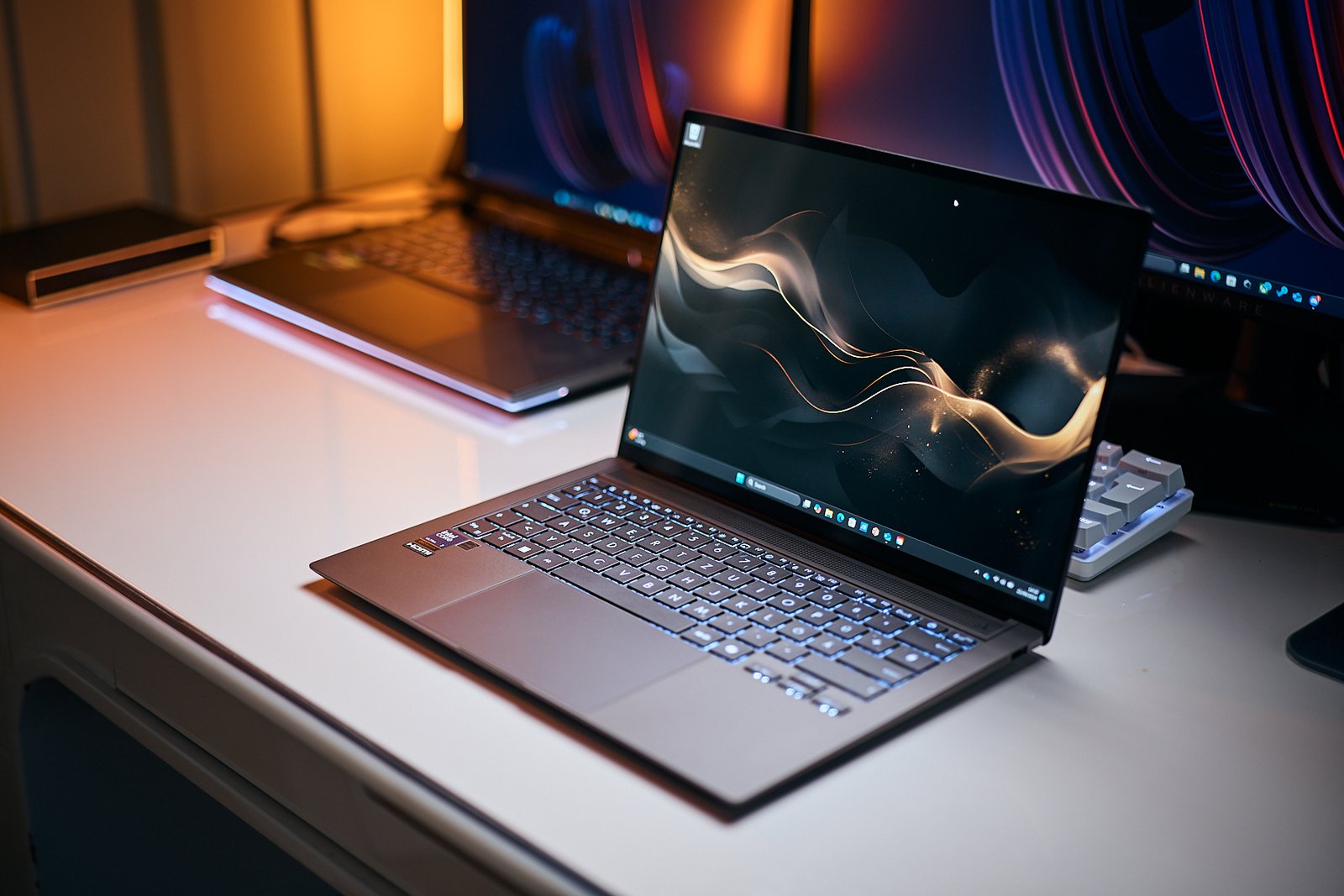
As a cybersecurity enthusiast who’s spent countless hours tinkering with virtual machines and running penetration tests in my home lab, I know firsthand how critical it is to have the right laptop. Whether you’re a student diving into ethical hacking or a seasoned professional safeguarding sensitive data, your laptop is your shield in the digital battlefield. In this article, I’ll guide you through the top laptops for cybersecurity in 2025, blending performance, security, and portability to keep you safe and productive. Let’s dive into what makes a laptop ideal for cybersecurity and explore the best picks to match your needs.
Why the Right Laptop Matters for Cybersecurity
Cybersecurity tasks like penetration testing, network analysis, and running virtual machines demand serious hardware. A sluggish laptop can crash during a critical Wireshark session or lag when you’re juggling multiple VMs. I learned this the hard way when my old budget laptop froze mid-pentest, costing me hours of progress. The right laptop ensures smooth multitasking, robust security features, and compatibility with tools like Kali Linux or Metasploit.
Key Specs for Cybersecurity Laptops
A cybersecurity laptop needs to handle resource-heavy tasks while keeping your data secure. Here’s what to prioritize:
- Processor: At least an Intel Core i7 or AMD Ryzen 7 for running VMs and tools like Burp Suite.
- RAM: Minimum 16GB, ideally 32GB, for seamless multitasking and virtualization.
- Storage: 512GB SSD or higher for fast boot times and storing large datasets.
- Operating System: Linux compatibility (e.g., Kali, Parrot OS) or dual-boot with Windows.
- Security Features: TPM 2.0, biometric authentication, and secure boot for hardware-level protection.
- Battery Life: 6–8 hours for fieldwork or remote tasks.
- Ports: Multiple USB ports, Ethernet, and HDMI for external devices and network testing.
Top Laptops for Cybersecurity in 2025
After researching the latest models and drawing from my own experience setting up labs for certifications like CEH and OSCP, I’ve curated a list of the best laptops for cybersecurity professionals and students. These picks balance power, security, and affordability, ensuring there’s something for every budget and use case.
Dell XPS 15: The All-Round Powerhouse
The Dell XPS 15 is a favorite among cybersecurity pros for its blend of performance and portability. With Intel Core i7/i9 processors, up to 64GB of RAM, and a 1TB SSD, it handles multiple VMs and tools like Wireshark with ease. Its Linux compatibility makes it ideal for running Kali or Parrot OS, and features like TPM 2.0 and a fingerprint scanner add robust security.
Pros and Cons
- Pros: Stunning 4K OLED display, excellent Linux support, powerful hardware.
- Cons: Premium price, average battery life (around 6–7 hours).
Lenovo ThinkPad X1 Carbon: The Durable Workhorse
The ThinkPad X1 Carbon is a go-to for ethical hackers who value durability and enterprise-grade security. Its lightweight design (2.5 lbs) and 14-inch display make it perfect for fieldwork. With an Intel Core i7, 16–32GB RAM, and a 512GB SSD, it’s built for multitasking. Features like a fingerprint reader and IR camera ensure top-notch security.
Pros and Cons
- Pros: Military-grade durability, Linux pre-installed option, long battery life (up to 15 hours).
- Cons: No dedicated GPU, slightly smaller display.
Apple MacBook Pro M3: The Secure Performer
The MacBook Pro with the M3 chip is a powerhouse for cybersecurity tasks, especially for those who prefer macOS’s stability. Its 16-core Neural Engine boosts machine learning tasks, and the 16–64GB unified memory ensures smooth performance for VMs. While not all tools are macOS-compatible, virtualization software like Parallels bridges the gap.
Pros and Cons
- Pros: Exceptional performance, long battery life (up to 17 hours), secure enclave.
- Cons: Limited tool compatibility, high cost.
Framework Laptop 16: The Customizable Choice
The Framework Laptop 16 is a dream for tinkerers who want control over their hardware. Its modular design lets you swap components like RAM or storage, and it supports Linux natively. With an AMD Ryzen 7, up to 32GB RAM, and a 1TB SSD, it’s perfect for custom labs and penetration testing.
Pros and Cons
- Pros: Highly customizable, open-source ethos, strong Linux support.
- Cons: Relatively new brand, less mainstream support.
Acer Aspire 5: The Budget-Friendly Option
For students or beginners, the Acer Aspire 5 offers solid performance at an affordable price. Powered by an AMD Ryzen 7 5700U, 16GB RAM, and a 512GB SSD, it handles entry-level cybersecurity tasks like running Kali Linux in a VM. Its lightweight design and decent battery life make it a practical choice for learners.
Pros and Cons
- Pros: Affordable, upgradeable, good performance for price.
- Cons: Limited security features, plastic build.
Comparison Table: Top Cybersecurity Laptops
| Laptop | Processor | RAM | Storage | Battery Life | Price (Approx.) | Best For |
|---|---|---|---|---|---|---|
| Dell XPS 15 | Intel i7/i9 | 16–64GB | 512GB–1TB | 6–7 hours | $1,800–$2,500 | Professionals, multitasking |
| Lenovo ThinkPad X1 Carbon | Intel i7 | 16–32GB | 512GB–1TB | 12–15 hours | $1,500–$2,000 | Fieldwork, durability |
| MacBook Pro M3 | Apple M3 | 16–64GB | 512GB–2TB | 15–17 hours | $1,600–$2,800 | macOS users, performance |
| Framework Laptop 16 | AMD Ryzen 7 | 16–32GB | 512GB–1TB | 8–10 hours | $1,400–$2,000 | Customization, Linux enthusiasts |
| Acer Aspire 5 | AMD Ryzen 7 5700U | 16GB | 512GB | 8–10 hours | $600–$800 | Students, budget-conscious |
How to Choose the Best Cybersecurity Laptop for You
Picking the right laptop depends on your role, budget, and workflow. When I started my cybersecurity journey, I made the mistake of buying a cheap laptop with 8GB RAM, thinking it’d suffice. It didn’t. Running a single VM was a nightmare, and I quickly upgraded. Here’s how to make the right choice:
For Professionals
If you’re a penetration tester or network analyst, prioritize high-end specs like the Dell XPS 15 or MacBook Pro M3. These laptops handle heavy workloads, support virtualization, and offer security features like TPM and biometric authentication. Look for at least 32GB RAM if you’re running multiple VMs or analyzing large datasets.
For Students
Students on a budget can opt for the Acer Aspire 5 or refurbished Lenovo ThinkPads. These offer enough power for learning tools like Wireshark or Metasploit without breaking the bank. Ensure Linux compatibility and at least 16GB RAM to future-proof your setup.
For Fieldwork
If you’re constantly on the move, the ThinkPad X1 Carbon or Framework Laptop 16 shines with lightweight designs and long battery life. An Ethernet port and multiple USB ports are crucial for connecting external devices during on-site assessments.
Security Features to Look For
Cybersecurity isn’t just about what you do—it’s about how your laptop protects you. I once had a scare when a USB drive I was testing turned out to be malicious. Thankfully, my laptop’s TPM and secure boot saved the day. Here are must-have security features:
- Trusted Platform Module (TPM): Encrypts data at the hardware level.
- Biometric Authentication: Fingerprint scanners or facial recognition for secure logins.
- Secure Boot: Prevents unauthorized firmware from loading.
- Self-Encrypting Drives (SEDs): Automatically encrypts data for added protection.
- Privacy Enhancements: Webcam covers or physical privacy switches.
Operating System Considerations
Your OS choice is as critical as your hardware. Linux distributions like Kali or Parrot OS are staples for cybersecurity due to their vast toolsets. Windows is common in corporate settings, offering features like BitLocker, while macOS provides stability but limited tool compatibility. I dual-boot Kali Linux and Windows on my ThinkPad to cover all bases, and it’s been a game-changer for flexibility.
Where to Buy Cybersecurity Laptops
You can find these laptops at major retailers like Amazon, Best Buy, or directly from manufacturers like Dell, Lenovo, or Apple. For budget options, consider refurbished models from eBay or Lenovo’s outlet, but verify specs and warranty. I scored a refurbished ThinkPad for half the price, and it’s still running strong after two years.
Accessories to Boost Your Cybersecurity Setup
A great laptop is just the start. These accessories can enhance your workflow:
- External SSD: For storing VMs or forensic data.
- Hardware Security Keys (e.g., YubiKey): For multi-factor authentication.
- Privacy Screen: To prevent shoulder surfing in public.
- Faraday Bag: To block wireless signals during sensitive tests.
People Also Ask (PAA)
What is the minimum RAM needed for cybersecurity tasks?
A minimum of 16GB RAM is recommended for cybersecurity tasks to handle multitasking and virtual machines. For advanced work like running multiple VMs or large-scale network analysis, 32GB is ideal.
Are gaming laptops good for cybersecurity?
Yes, gaming laptops like the ASUS ROG Zephyrus G14 are excellent for cybersecurity due to their powerful CPUs, ample RAM, and GPUs that can accelerate tasks like password cracking. However, their battery life may be shorter.
Is Linux necessary for cybersecurity?
While not mandatory, Linux is highly recommended because many tools like Kali Linux and Metasploit are optimized for it. Dual-booting or using VMs can provide flexibility.
What’s the best budget laptop for cybersecurity students?
The Acer Aspire 5 is a top budget pick, offering an AMD Ryzen 7, 16GB RAM, and a 512GB SSD for around $600–$800, making it ideal for students.
FAQ Section
Can I use a MacBook for cybersecurity?
Yes, MacBooks like the MacBook Pro M3 are great for cybersecurity, especially for macOS users. However, some tools require Linux or Windows, so you may need virtualization software like Parallels.
How important is a dedicated GPU for cybersecurity?
A dedicated GPU isn’t essential but can help with tasks like password cracking or machine learning. Mid-range GPUs like NVIDIA RTX are sufficient for most users.
Should I buy a refurbished laptop for cybersecurity?
Refurbished laptops, like Lenovo ThinkPads or Dell Latitudes, can be cost-effective if they meet minimum specs (16GB RAM, i7/Ryzen 7, SSD). Check for warranties and reputable sellers.
What’s the best OS for cybersecurity?
Linux distributions like Kali or Parrot OS are preferred for their extensive toolsets. Windows is useful for corporate environments, and macOS offers stability but limited tool support.
How much storage do I need for cybersecurity?
A minimum of 512GB SSD is recommended to store OS, tools, VMs, and datasets. 1TB is ideal for professionals handling large files or multiple VMs.
Final Thoughts
Choosing the right laptop for cybersecurity is like picking the perfect tool for a heist—precision and reliability are everything. Whether you’re cracking encryption, sniffing packets, or studying for your OSCP, the Dell XPS 15, Lenovo ThinkPad X1 Carbon, or budget-friendly Acer Aspire 5 will keep you ahead of the game. Invest in a machine that matches your needs, and don’t skimp on RAM or security features. Your digital shield deserves the best. Ready to pick your laptop? Check out Dell’s official site or Lenovo’s outlet for deals, and stay safe in the wild world of cybersecurity.